
ModernPaste for Windows
ModernPaste is an intelligent overlay workspace for Windows 11. Everything you've copied, organized and ready to paste, without ever leaving your flow.
Available now on the Microsoft Store. What's new in v1.0.42 →
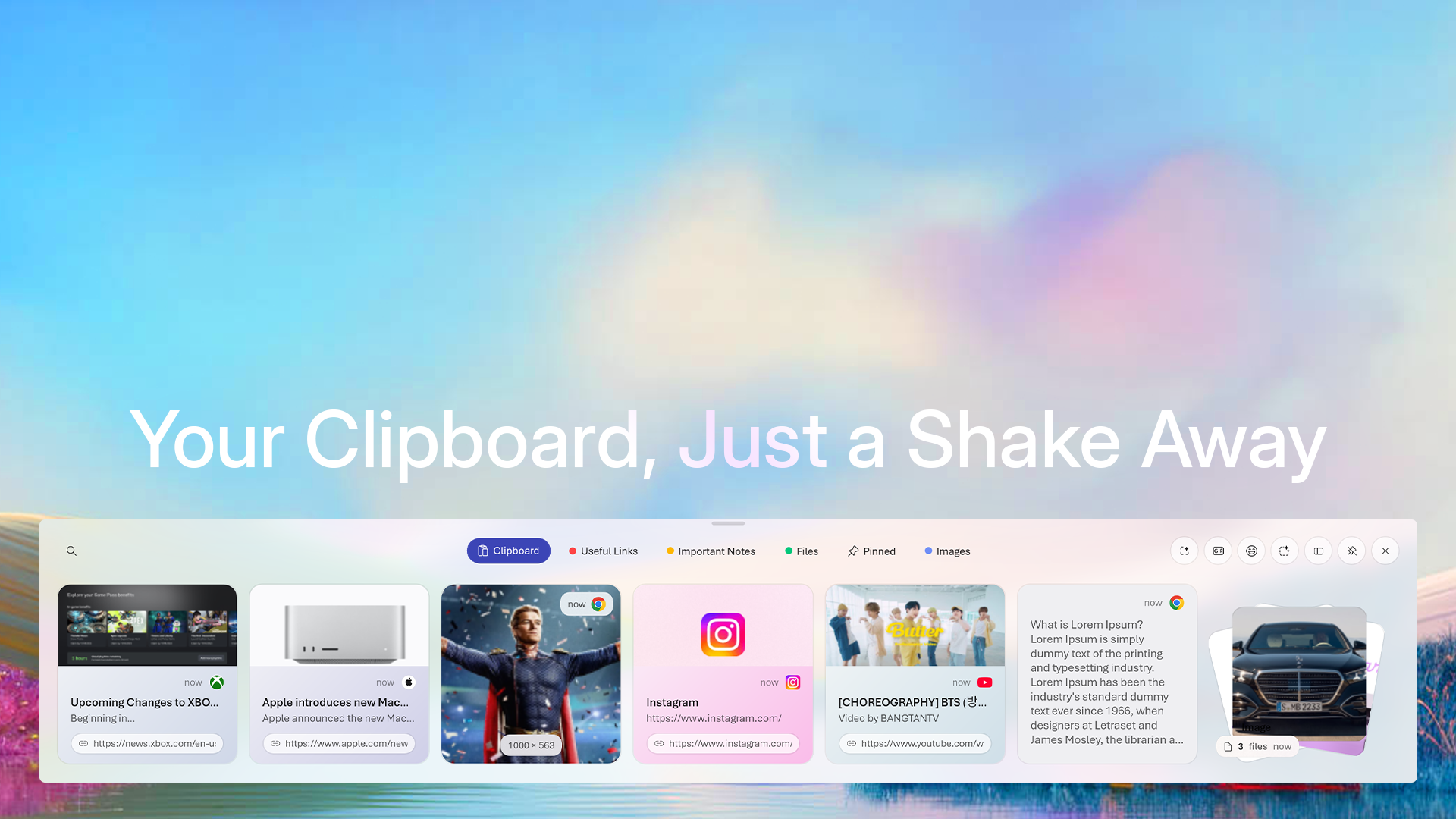
Watch
Watch the introduction to ModernPaste Clipboard — the overlay, smart collections, Automations, and ModernPaste Pro in motion.
Prefer YouTube? Watch on YouTube →
Canvas
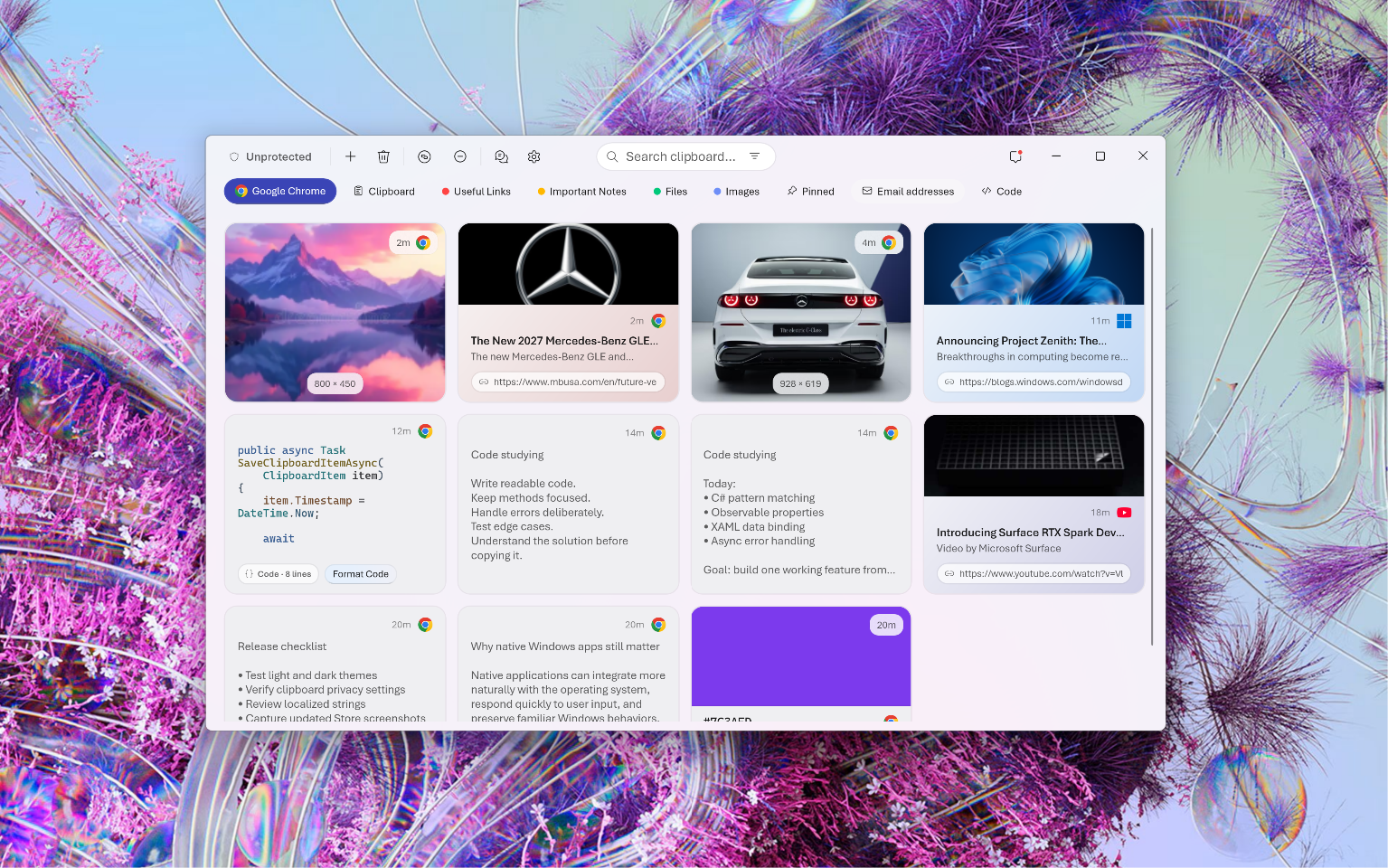
Open the full window to search and filter your entire history. Flip the encryption toggle to keep clipboard data protected, and find anything in seconds.
Collections
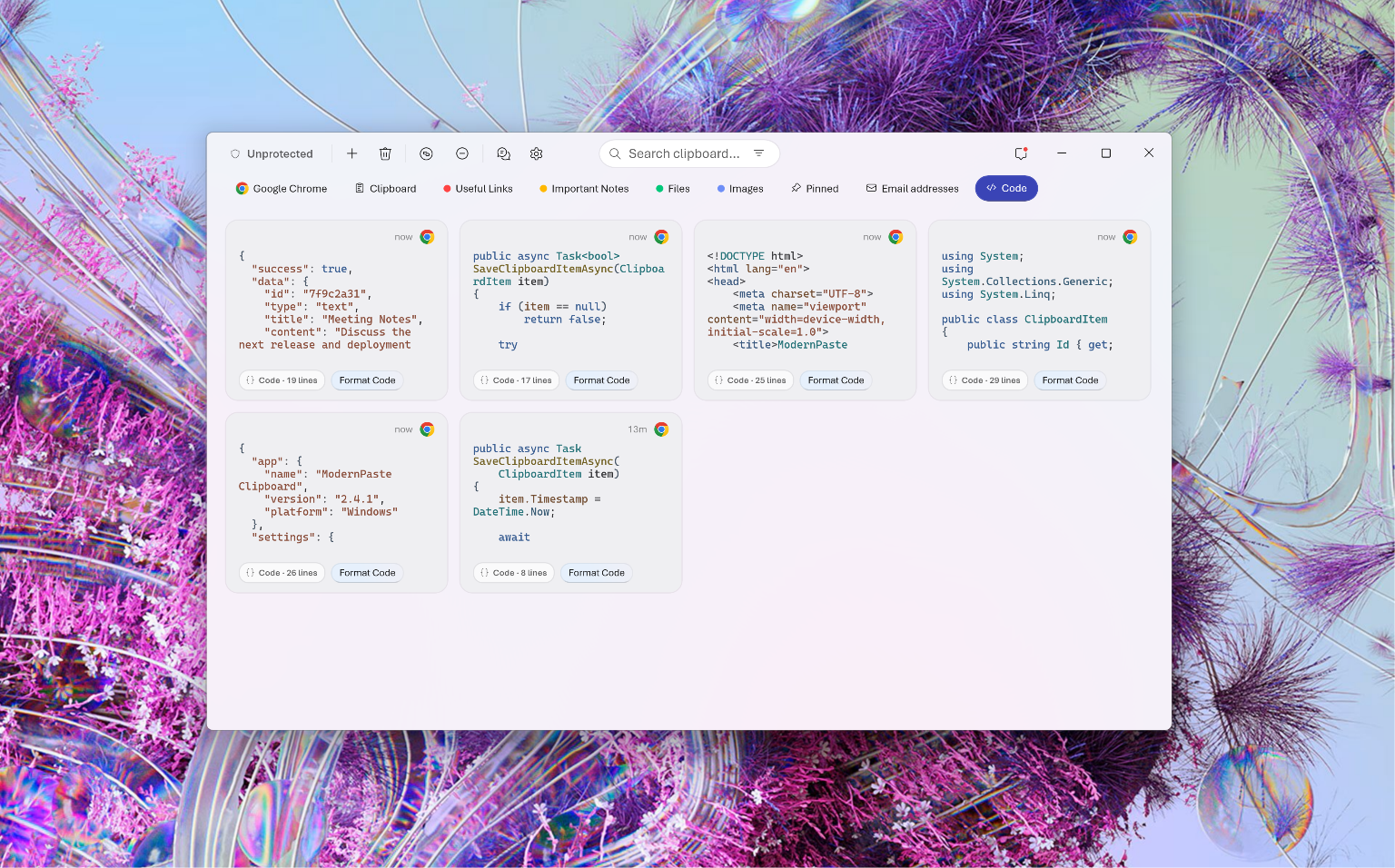
Smart collections sort code, email addresses, colors, tracking numbers, and more on their own. Build custom collections for the rest, and keep important clips safe from automatic cleanup.
Popout cards
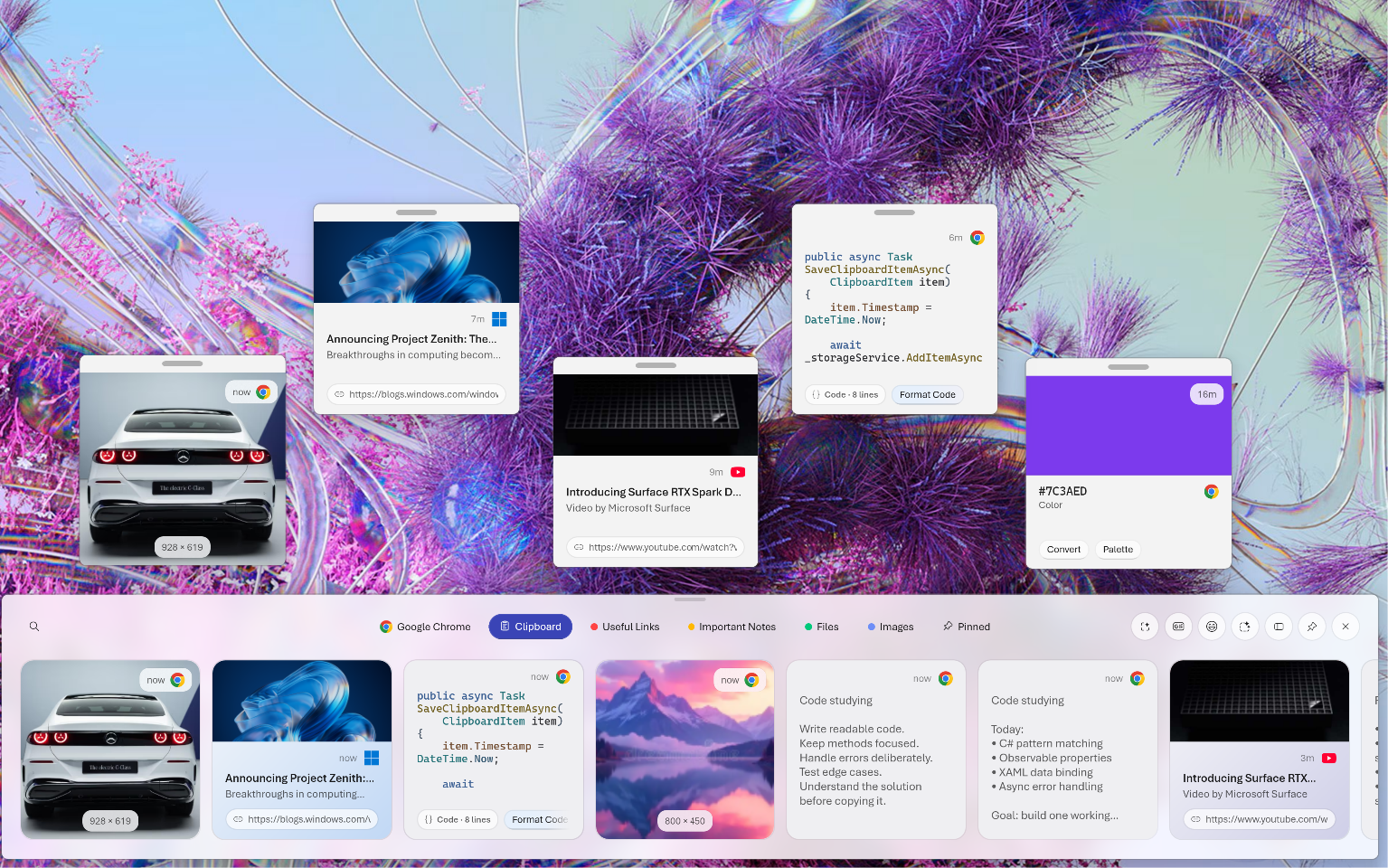
Turn any clipboard item into a floating card and place it on your desktop. Links, code, video, colors, whatever you're working with stays in sight.
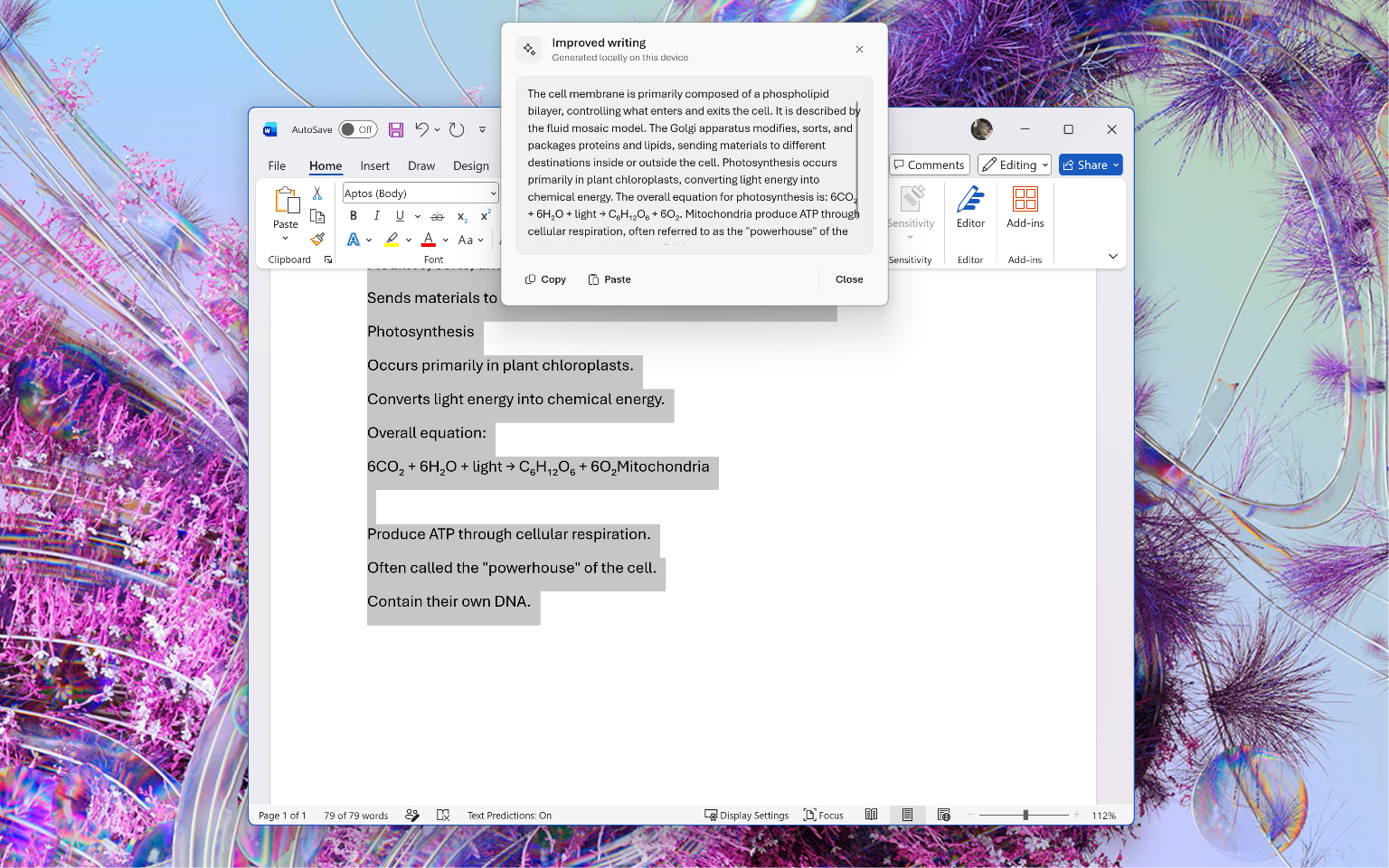
Local intelligence
Improve writing, fix grammar, summarize, and more in any app on Windows. Every action runs on your device, so your words never leave your machine.
And more
Skip the keystroke entirely. Shake your mouse and the overlay appears.
Take over the default Windows clipboard, or keep both side by side.
Search GIFs and pick emoji without leaving the overlay.
Pull text straight out of any image you've copied.
The overlay adapts its accent color to what you've copied.
Lock your most-used text so it's always one paste away.
Dock the overlay horizontally, or switch to a vertical layout.
Stack related files together and paste them as a group.
Cloud Sync
Your collections, encrypted. Keep them in step across every PC through the Google Drive or OneDrive account you already use.


Sign in once. Sync now or restore on another PC. Always encrypted before it leaves your device.
See it in the release log ›Get started
Get ModernPaste on the Microsoft Store for Windows 11.
Get ModernPaste on the StoreModernPaste Pro
One purchase unlocks Pro on every device signed in with the same Microsoft account.
| Feature | Free | Pro |
|---|---|---|
| Automations | 1 | Unlimited |
| Collections | 12 | 100 |
| Smart template collections | 1 | Unlimited |
| Templates per collection | 1 | 50 |
| Card styles | Default only | Full editor |
| Quick slots | 2 slots | 10 global shortcuts |
| Sensitive masking | Unavailable | Automatic |
| Overlay width | Full only | Full, Balanced, Focused |
| Paste audio | Presets | Presets + custom MP3 |
ModernApp Suite
ModernPaste is a ModernApp Suite product and receives continuous updates.
Questions about Pro? Contact us
By purchasing ModernPaste Pro you agree to the Terms and Conditions. Subject to Microsoft Store policy. ModernPaste Pro is a one-time purchase, not a subscription, and is separate from ModernPaste Cloud and Pass subscriptions.
Questions